
Crypto
How to Run an AI Model Locally and Offline
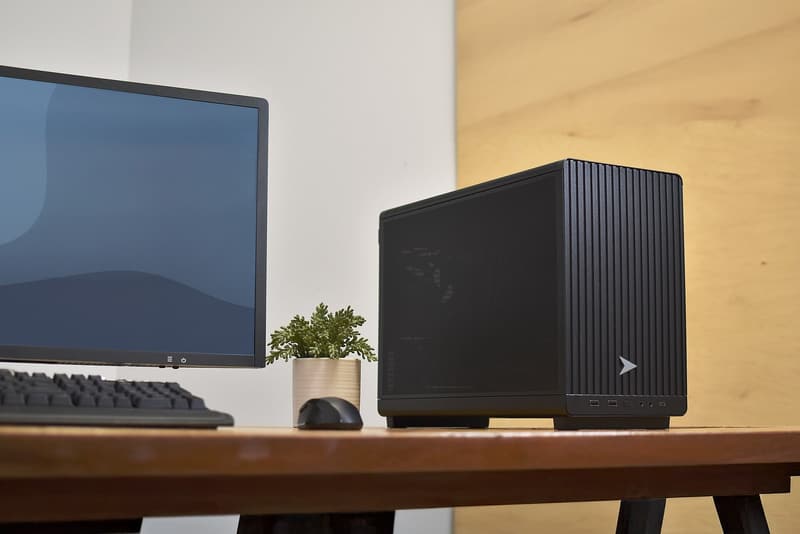
Representative photo · Photo: Mnicolois / Wikimedia Commons, CC BY 4.0
Representative photo · Photo: Mnicolois / Wikimedia Commons, CC BY 4.0
Run open-weight AI models locally on your own computer with free tools like Ollama and LM Studio for privacy and cost savings.
Running open-weight AI models directly on your own computer is increasingly practical as performance gaps narrow between open and closed systems. Open-weight means publishers share the internal files and weights so anyone can download them. This allows users to bypass $20 monthly subscription fees and avoid sending personal conversations to external cloud servers.
Hardware requirements depend largely on model size and parameters. You generally need at least 8GB of VRAM, while advanced users might utilize gaming GPUs with 24GB or more, or unified memory systems like Apple Silicon Macs and dedicated AI hardware. Applications such as LM Studio and Ollama handle the downloads and local execution. LM Studio provides a polished graphical interface, while Ollama operates primarily through command-line tools and sets up a local API. Quantization techniques can also shrink models by utilizing lower-precision data types to reduce memory footprints.
Licensing determines how these downloaded models can be used. Many models are distributed under open-source agreements like Apache 2.0 or the MIT License, which permit modification, commercial use, and deep personalization for specialized tasks like medicine. Furthermore, advanced features like speculative decoding with multi-token prediction and Model Context Protocol servers allow local models to achieve faster generations and access offline files.